How to build an AR walking tour, step by step
Plan the route, pick one effect per stop, build it without code and pin it to the map. A practical guide for tourism boards and districts.
An AR walking tour is a self-guided route where each stop has something extra to see through the phone: a storyteller, a building that is gone, a mural that moves. Here is how to plan and build one, from the route to the numbers you report afterwards.
1. Plan the route before the effects
Start with the walk itself. Five to eight stops is a comfortable length for a first tour, with short, safe walks between them and a clear reason to keep going. Write one sentence for each stop: what should a visitor know or feel when they leave it?
- Pick stops with room to stand and look up from the street.
- Mix big landmarks with smaller places visitors would otherwise walk past.
- End near somewhere to eat, shop or come back to.
2. Choose one effect per stop
Match the effect to the sentence you wrote for the stop. Each kind does a different job:
To tell a story
A filmed storyteller or a life-size figure from history, such as Talk to history, turns a plaque into a scene.
To show what is gone
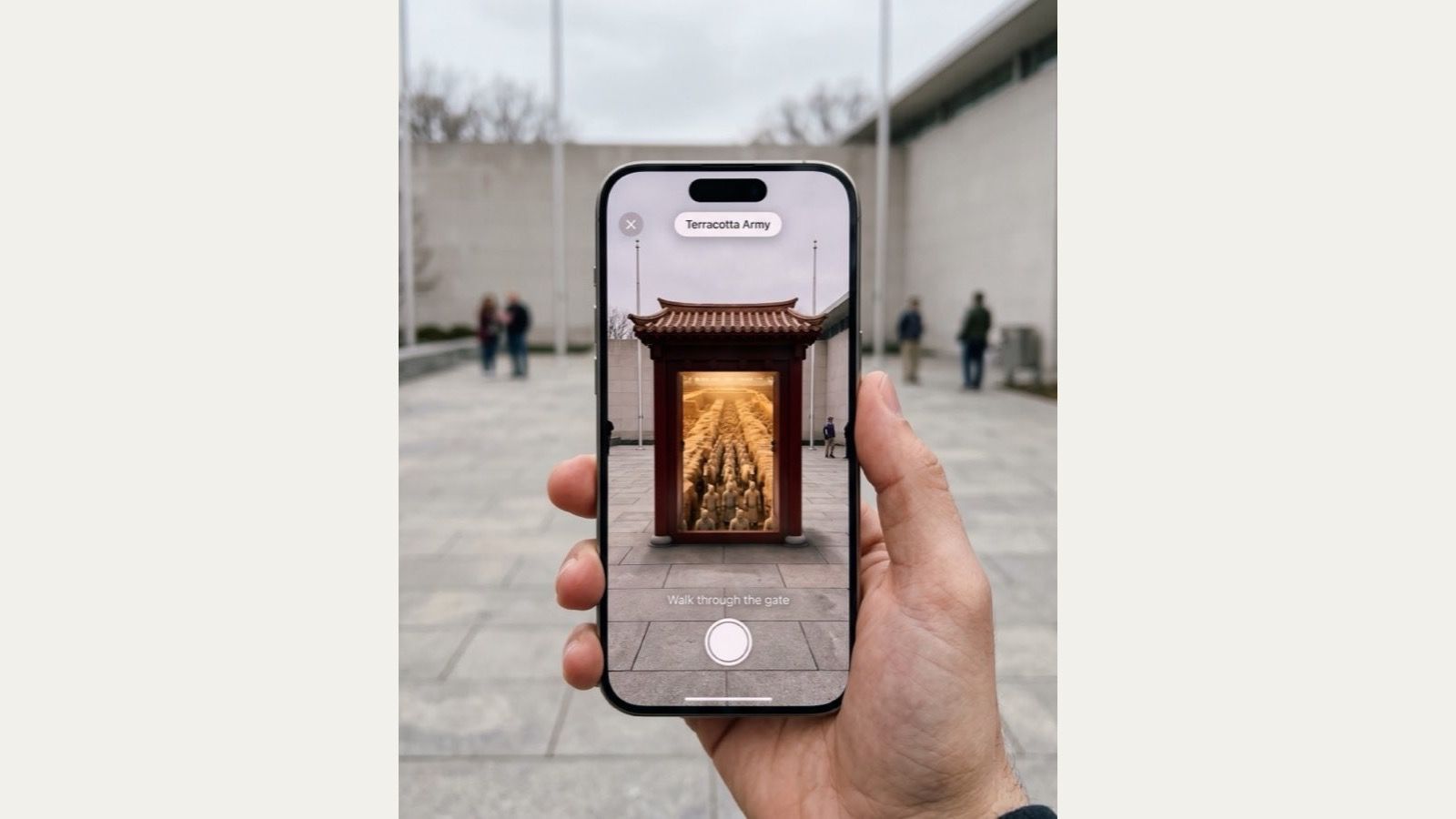
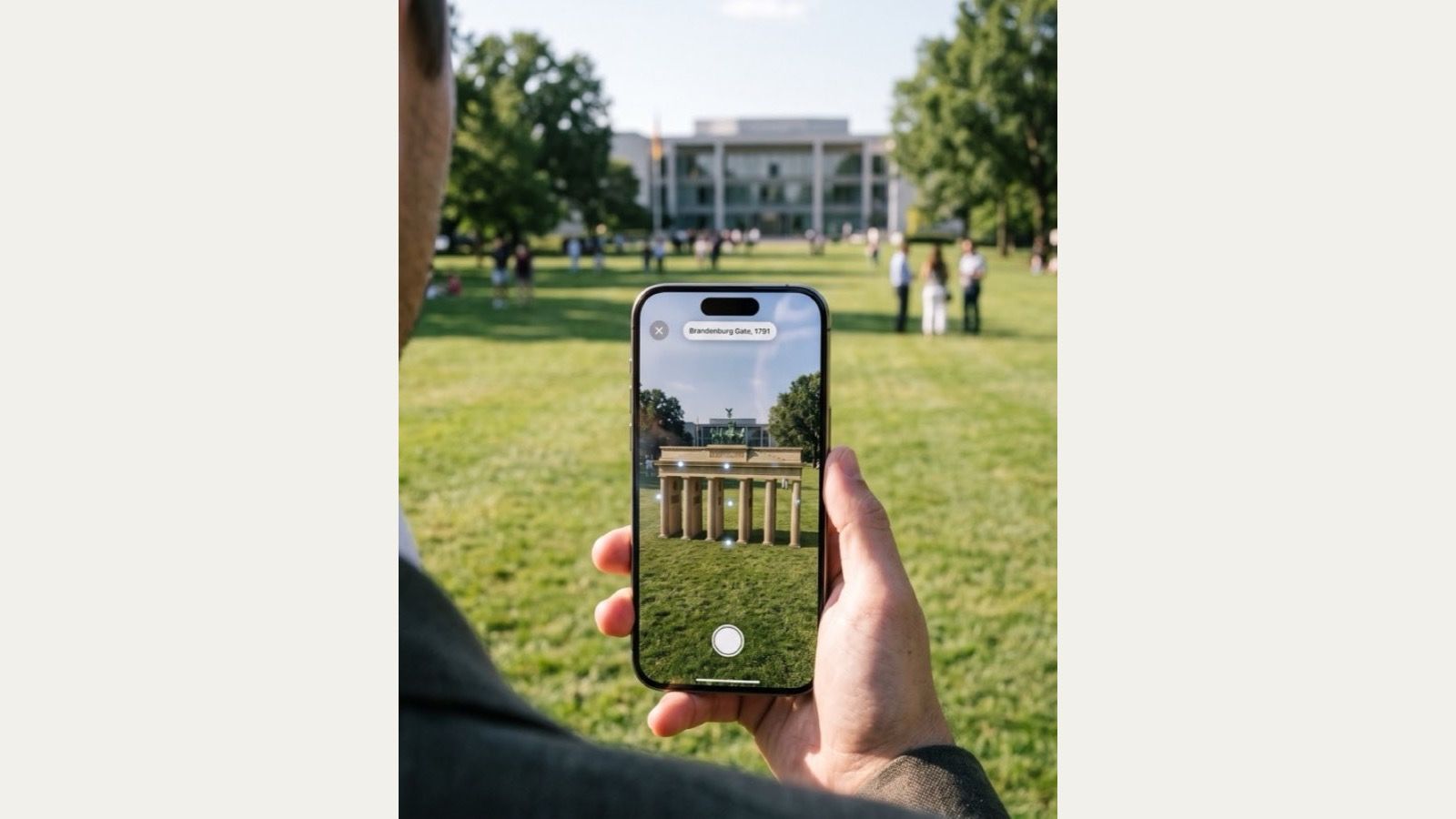
Tap-to-place 3D puts a lost building, gate or statue back at full size, as in Monumental gate.
To bring art to life
Image tracking makes a mural or a trail sign move when the phone sees it, as in Mural of tiles.
3. Build it without code
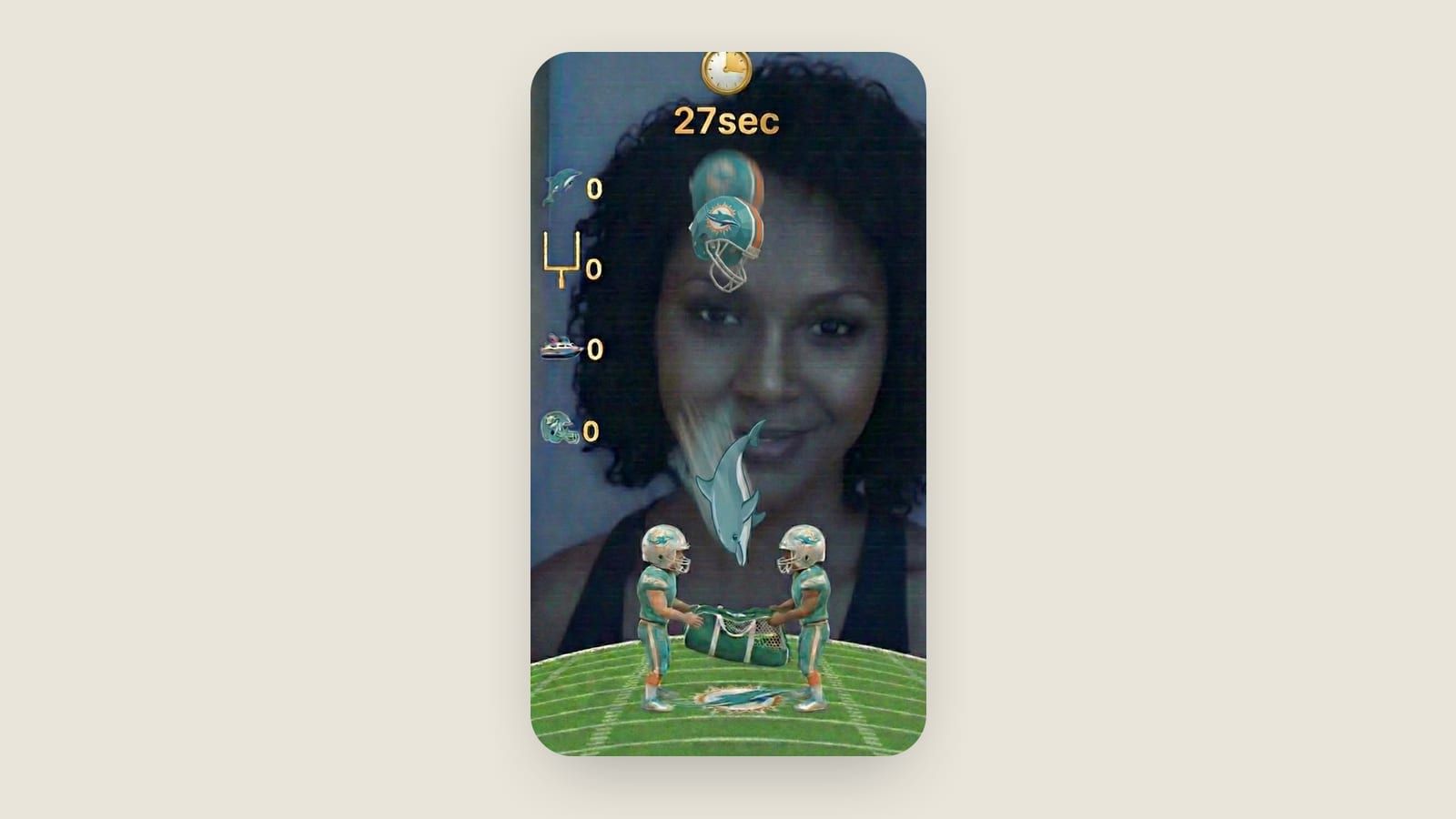
In Destination Pass AR Studio, you start from a template (a face filter, a tap-to-place model, an image marker or a portal) or from blank. Add your own 3D model, logo and colours, and set what happens when a visitor taps.
4. Test it on site
Scan the preview code and try each effect at the real stop, at the time of day visitors will come. Check that it is easy to find, that the walk between stops is clear and that sunlight or crowds do not get in the way.
5. Publish it and pin it to the map
Attach each effect to its stop, tour or place. Visitors open the tour in the app, follow the map and see "View in AR" when they arrive.
6. Add a reason to finish
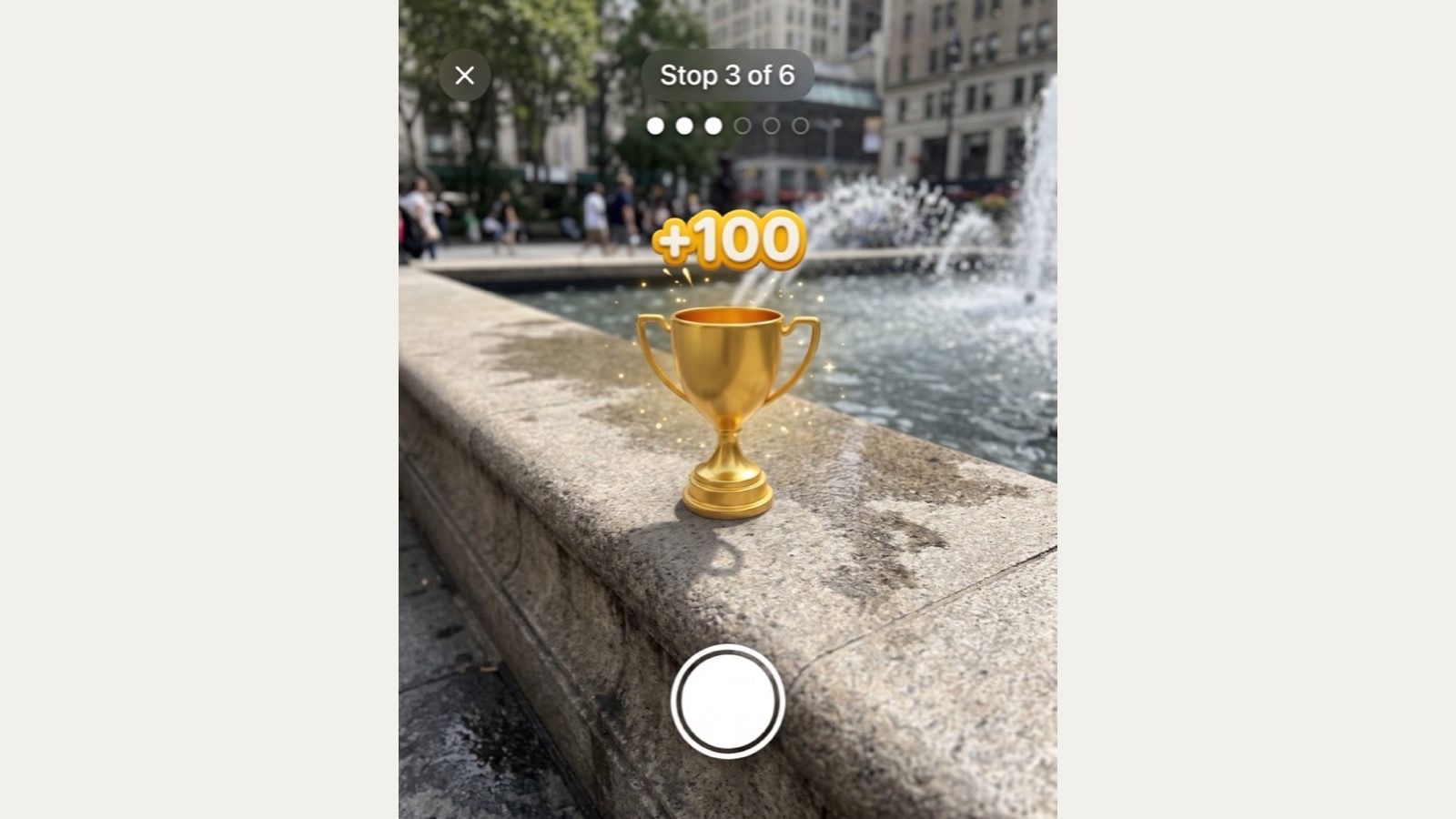
A badge at each stop and a prize for completing the route keep people walking. Leaderboards work well for families and groups. Turn the tour into a hunt with the ideas in our guide to AR scavenger hunts for cities.
7. Measure and report
Track launches, finishes and shares for each effect and each stop. The drop-off between stops shows where the route loses people, and the stops with the most shares are the ones to feature in your marketing.
Destination Pass runs AR in the same app as your map, tours and badges. See what it can do on our AR for tourism and destinations page.